
Ashot Nanayan
CEO and Founder
How to Start a Faceless YouTube Channel with No Experience
Over two years ago, I began working closely with major SaaS brands, including AI video generator companies such as CapCut, and later with other clients in the same space. That gave me a front-row seat to the market.
I spent a lot of time tracking their competitors, studying what creators were doing, analyzing what was working, and paying attention to content that drove results.
We created faceless videos ourselves, reviewed countless channels, tested tools, explored opportunities across YouTube and Google, and looked closely at what separated channels that grew from those that went nowhere.
So in this guide, I want to share what I have learned through hands-on experience: how beginners can start a faceless YouTube channel, where to focus their time, what mistakes to avoid early, what tools are worth using, and how to stay away from all those so-called faceless AI video generators that usually create videos with no real value.
What is a Faceless YouTube Channel?
A faceless YouTube channel is a channel where the person behind the content does not appear on camera. Instead of showing your face, you create videos using voiceovers, screen recordings, stock footage, animations, text, screenshots, gameplay, tutorials, AI-generated visuals, or a combination of these formats.
I want to keep it very simple; the value comes from the content itself, not from your personal appearance. Some faceless channels teach, some entertain, some review products, and some tell stories.
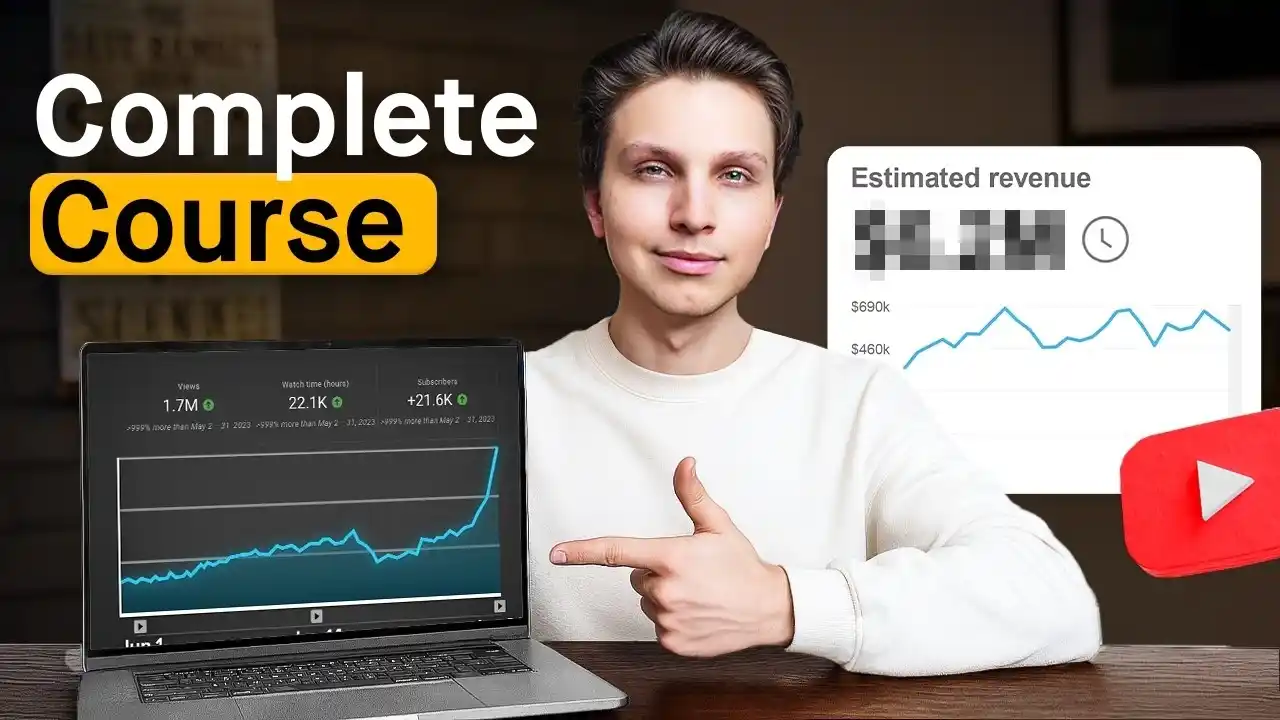
How to Start a Faceless YouTube Business in 2026 (Full Guide)
You have probably seen plenty of them already without even thinking about it. Channels that post documentaries, business explainers, finance videos, motivation clips, tutorials, list-style videos, or relaxing content often follow this model.
What makes faceless YouTube attractive is that it lowers the barrier to entry. You do not need to be comfortable on camera, invest in a professional filming setup, or build a creator brand around your personality right away.
You can focus on topics, scripts, editing, thumbnails, consistency, and audience demand.
At the same time, faceless does not mean effortless. A good faceless channel still needs strong ideas, a clear niche, decent editing, and content people want to watch. Hiding your face does not remove the work. It just changes the format.
Why Has It Become Such a Big Opportunity?
I think there are many reasons, but first of all, because the barrier to entry dropped hard while the size of the audience kept growing.
You no longer need a camera setup, a studio, or the confidence to sit in front of a lens every week. Today, one person can write a script, record a voiceover, edit with simple tools, test Shorts, and publish consistently without building a personal brand around their face.
At the same time, YouTube is still massive, with billions of monthly logged-in users, more than 20 million videos uploaded daily, and Shorts now averaging over 200 billion daily views.
Another reason is that YouTube has made monetization more accessible than a lot of people realize. Creators can get into the expanded YouTube Partner Program earlier for fan funding and some shopping features, and once they reach the higher thresholds, they can share ad revenue from long-form content and Shorts, too.
The other big shift is tools. Editing, voiceovers, captions, dubbing, and even first-draft video creation have all become more accessible.
YouTube itself is rolling out more AI-assisted creator features, while tools like CapCut have pushed video production further into the mainstream by making editing much easier for regular users.
How to Start a Faceless Channel at a Glance
Pick a Niche That Gives You Room to Grow
Choose a niche you can stick with
Study the Market
Understand what already works
Set Up Your YouTube Channel
Build your channel the right way from the start so it looks clear
Set Up Your YouTube Channel
Build your channel the right way from the start so it looks clear
Pick a Niche That Gives You Room to Grow
From my own experience, this is one of the most important steps, and it is where a lot of beginners get it wrong. Over the years, I have looked into a huge number of niches, not only for YouTube, but also for TikTok faceless video opportunities, and Instagram.
After doing through such work across different industries, one thing became very clear to me: before you choose a niche, you need to think a little further ahead.
If you want to get a better feel for what is working right now, what trends are shaping the space, and which faceless YouTube niches still have strong potential, check out the video below from one of the top YouTubers in the world.
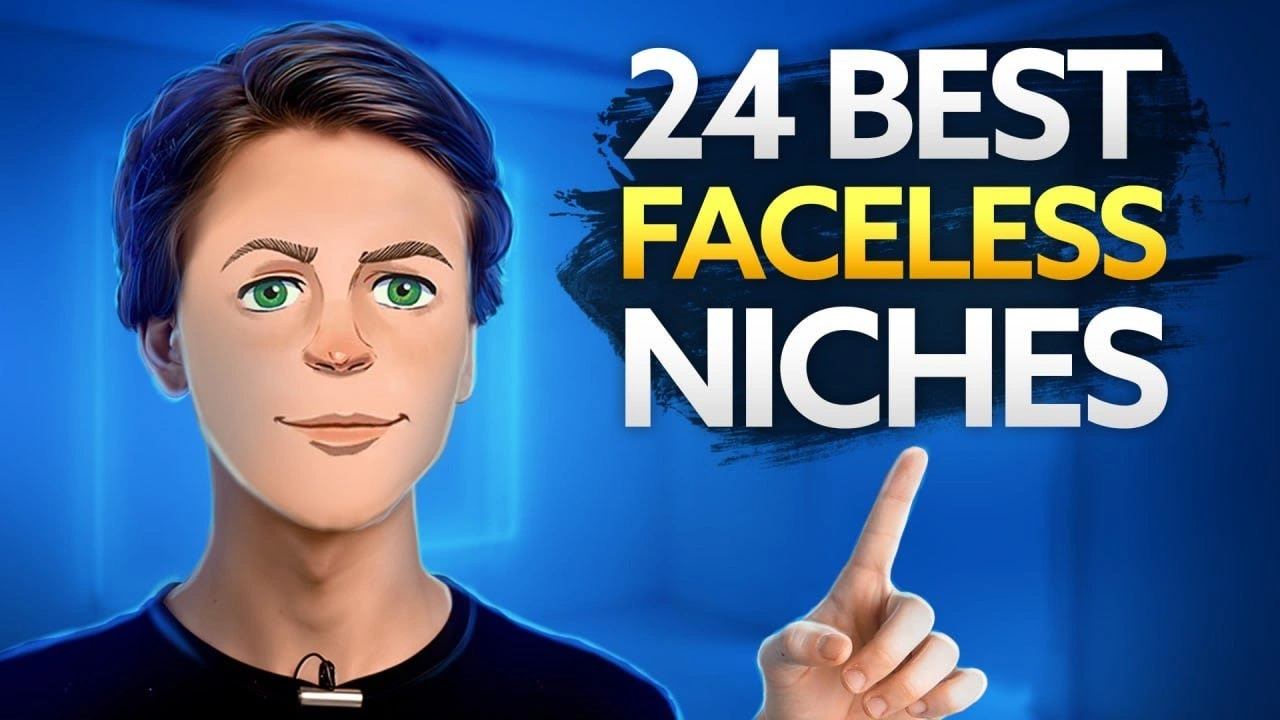
24 Best Niches to Do YouTube Without Showing Your Face
First things first, my friend, pick a niche that gives you enough room to grow.
You need a space where there are hundreds, or even thousands, of content opportunities. If the niche is too narrow, you may feel excited in the beginning, but after a few weeks, you will start running out of strong ideas.
Next, make sure the niche works in a faceless format. Not every topic makes sense when you are not showing your face. Some niches depend on personal branding, personal presence, or direct on-camera trust.
That is why it is smart to choose something that can still be valuable through voiceovers, screen recordings, storytelling, visuals, tutorials, commentary, or simple editing.
Finally, choose something you enjoy or at least understand well. This advice does not only apply to faceless YouTube. It applies almost everywhere. If you have no interest in the topic, no curiosity, and no basic knowledge, it becomes much harder to stay consistent when results are slow in the beginning.
In my opinion, interest, understanding, and long-term motivation are some of the biggest factors to think about before picking a niche.
Study the Market Before You Upload Anything
If I were starting from scratch, this is one of the first things I would do. Before uploading a single video, I would spend some time studying the market.
A lot of people rush into content creation too fast, but in my opinion, slowing down at the beginning can save you a lot of wasted time later.
The first step is to find channels that have already proven there is demand in the niche. You need to see clear signs that people are already watching this type of content.
If other channels are getting views consistently, that is a strong signal that the market is there.
After that, I would look closely at the actual video topics, not just subscriber counts. What really matters is what topics are getting views, what angles people respond to, and what type of content keeps appearing again and again.
Then I would start spotting patterns. I would study the titles, the thumbnails, the video length, the opening hooks, the pacing, and the overall structure.
I would also pay close attention to what the top channels do well, while looking for where their content starts to feel weak, repetitive, outdated, or too similar. Your goal is to understand what is working, then find places where you can do it better, sharper, or differently.
Finally, I would look for gaps I could realistically fill. That might mean better scripting, fresher examples, stronger editing, clearer explanations, a better niche angle, or simply content that feels more up to date.
Pick the Right Tools and Software
Once you are ready to create, you will obviously need a few tools to help you put everything together. At the same time, I understand that when you are just starting out, especially on a limited budget, it is easy to feel overwhelmed by how many options are out there.
That’s why I put together a separate guide on the best AI faceless video generators, where I break down the main tools with an honest opinion based on what I personally tested.
But video generators are only one part of the process. If you want to build a faceless channel properly, you usually need a small stack of tools that covers the full workflow.
For example, you may need something for scripting, something for voiceovers, something for editing, something for visuals or stock assets, something for subtitles or captions, and sometimes something to help you stay organized with planning, publishing, or basic faceless YouTube automation.
You do not need an overly complex setup in the beginning, but you do need tools that make the process easier, faster, and more consistent.
When choosing tools, I would look at a few simple things first. Does the output look or sound good? Is it easy to use without wasting hours learning the interface?
Does it save real time, or does it just sound impressive on the sales page? Can it help you create content that still feels watchable and useful, not cheap and repetitive?
You can usually spot pretty quickly whether a tool is worth your time. If the output feels robotic, generic, low-quality, or too hard to control, it is probably not the right fit.
The same goes for tools that promise automation but still leave you fixing everything manually. In most cases, a useful tool should make your work smoother, not create more cleanup.
The good part is that many of these tools offer free trials or limited free plans, and honestly, that is usually enough to test the basics, see how the workflow feels, and decide whether it fits your style before spending money.
Set Up Your YouTube Channel
You’re almost ready. Now, pick a channel name that is clear, easy to remember, and relevant to your niche. Then make sure your profile picture, banner, and channel description all match the type of content you plan to publish.
You should also think about your visual consistency early. That includes your thumbnails, colors, fonts, and overall style. Faceless channels do not have a personal face to build recognition, so your branding has to do more of that work.
Here is my checklist
Here is my checklist
- Create your YouTube channel
- Choose your channel name, handle, and branding
- Write your channel description and About section
- Upload your profile picture, banner, and watermark
- Verify the channel and adjust key settings
- Set up your homepage, playlists, and basic templates
From the setup side, make sure your channel is verified, your basic information is filled out, and your upload defaults are organized. It also helps to sort out things like links, playlists, homepage sections, and a simple content structure before you start posting regularly.
These things may seem small, but they make the channel feel more serious and easier to navigate.
Pro Tips Based on My Experience
I am not saying I personally run faceless YouTube channels myself. What I am saying is that over the last two years, I have worked closely with companies like CapCut and other AI video generator brands, where faceless digital marketing was a major part of the bigger content strategy.
Because of that, I had the chance to see a lot: what gets pushed, what gets ignored, what looks promising at first, and what holds up over time.
So rather than giving you the same basic advice you see everywhere, I want to share a more advanced checklist based on what I have learned from being close to this space.
Learn the Basic YouTube Formula
Before you do anything else, I really believe it is important to understand how YouTube works at a basic level. I mean, how the platform recommends content, what signals it pays attention to, what affects visibility, and why some videos get pushed while others get up to 100 views.
So, yeah, my friend, it’s very important to understand how YouTube algorithms work.
You can create a great video, put real effort into the script, editing, and idea, and still get disappointing results if you do not understand how YouTube generally works. Good content matters, of course, but it still has to be packaged in a way the platform can recognize, and the audience wants to click on and watch.
That is why, before chasing growth, it is smart to spend some time learning the basic YouTube formula.
Understand the role of topics, titles, thumbnails, click-through rate, watch time, retention, and audience satisfaction.
You do not need to become obsessed with every small detail, but you do need to understand the foundation. Otherwise, even the best content in the world may never get the visibility it deserves.
Use Basic YouTube SEO
How could I skip this part as an SEO strategist, lol. Of course, it does not guarantee views, and no, it will not save weak content. But it can absolutely put you ahead of a lot of people who upload videos without optimizing anything at all.
I would not go too deep into YouTube SEO in this guide because that is really a separate topic on its own. But at the very least, you should understand that small optimization steps can improve your chances of being discovered and make your videos easier for YouTube to understand.
Here is my checklist:
My YouTube SEO checklist
- Research the right keywords and video topics
- Use your target keyword naturally in the title, description, and file planning
- Create clear, compelling thumbnails that improve click-through rate
- Add relevant tags, chapters, and playlist placement
- Write strong intros that improve audience retention
- Track performance and update weak titles, thumbnails, or descriptions
Quick tip: if you want to get a better feel for what people are searching for, or what topics have interest behind them, you can try an affordable tool like AnswerThePublic.
It can help you spot keyword ideas, search patterns, and question-based topics that may be useful when planning YouTube content.
You Do Not Need to Do Everything Alone
Whether you are building a faceless YouTube channel, creating faceless Instagram Reels, or working on any other type of faceless content, one thing matters a lot: how you use your time.
A lot of people assume they have to do every single part on their own, especially in the beginning. But that is not always the smartest tactic. If you have even a small budget, there are plenty of affordable ways to get help, and in many cases, that can save you a huge amount of time and mental energy.
Instead of trying to handle everything yourself, you can outsource certain parts of the process to freelancers. Platforms like Upwork, for example, give you access to people who can help at different budget levels. I do this myself for some of my own projects, and it makes a big difference when you want to move faster without lowering your standards.
For instance, you can outsource the repetitive or time-heavy ones. That can include video editing, voiceovers, script formatting, thumbnail design, captioning, simple research, clipping short-form content, uploading, or even basic channel support work.
You do not need to outsource the full strategy if you do not want to. Even handing off one or two tasks can free up your time to focus on ideas, quality control, and growth.
Work Hard and Never Give Up
I know how frustrating it feels when you spend time creating videos, you know they are good, and in your head, they are clearly better than a lot of the content already getting millions of views, but still, nothing happens.
Believe me, it takes time, my friend.
Many successful faceless channels started with a long climb. WatchMojo is a great example. Its founder has said the business generated no revenue for its first six years, then pivoted more into YouTube and became profitable in 2012.
By 2025, the main channel had grown to nearly 26 million subscribers.
Kurzgesagt is another strong example. It grew into a massive faceless educational brand with about 25 million subscribers, and the company has said that most of its income from 2020 to 2022 came from viewers, merchandise, Patreon, and AdSense rather than only outside sponsors.
So, work hard, keep learning, and do not quit just because the first videos do not perform the way you hoped. A slow start does not mean you picked the wrong path. Very often, it just means you are still in the part that most people never push through.
Top Successful Faceless YouTube Channels
Below, I’ve compiled a personal list of some of my favorite faceless YouTube channels that I follow and keep coming back to. I picked them manually because they are a great source of inspiration, not only for me, but even for my kids.
Each of these channels shows, in its own way, that you do not need to be on camera to build something valuable, memorable, and incredibly successful.
My Favorite List
| Channel | Niche | Format |
|---|---|---|
| BRIGHT SIDE | Edutainment | Voiceover + animation + stock visuals |
| Kurzgesagt – In a Nutshell | Science / education | High-quality custom animation |
| The Infographics Show | Facts / history / science | Animated explainers with narration |
| WatchMojo | Top 10 / pop culture | Voiceover list videos |
| Lofi Girl | Study / ambient music | Looping animated visual + music stream |
| Daily Dose of Internet | Viral clips / commentary | Curated video clips + short narration |
| Mr. Nightmare | Horror storytelling | Voiceover + simple visuals |
| Motiversity | Motivation | Speech compilations + stock footage |
| 5-Minute Crafts | DIY / life hacks | Hands-only tutorial videos |
| LEMMiNO | Documentary / mystery | Cinematic faceless storytelling |
Mistakes That Make Most Faceless Channels Fail
Again, I learned a lot from being close to companies I worked with directly, including CapCut, Zebracat, and other brands in the AI video generation industry, where faceless content was a serious part of the bigger content strategy.
On top of that, I also spent time looking into successful faceless YouTube channels, their growth stories, and the mistakes they made before things started to work.
I reviewed creator interviews, founder insights, and behind-the-scenes discussions around well-known faceless brands and channels such as WatchMojo and Kurzgesagt, while also paying attention to the broader patterns across other faceless creators in finance, education, storytelling, commentary, and automation-style content.
WatchMojo, as I already said, took years before the business really worked, while Kurzgesagt became a strong example of how quality, consistency, and a clear format can turn a faceless channel into a massive brand.
So, below is a list of the biggest mistakes based on everything I found, everything I observed, and everything this space keeps repeating again and again.
Here is what I put together
- Picking a Niche Only Because It Looks Profitable
- Chasing Too Many Formats at Once
- Coping with Bigger Channels Too Closely
- Sounding Very AI
Picking a Niche Only Because It Looks Profitable
This is one of the biggest mistakes you can make. Yes, profitability is essential. Of course it does. But choosing a niche only because it looks profitable is usually a weak foundation.
A niche may look exciting from the outside, but if you do not understand it, do not enjoy it, or cannot come up with strong content ideas consistently, it becomes very hard to keep going once the initial motivation fades.
A better approach is to look at a few things together. Does the niche have demand? Does it give you enough room to create content long-term? Does it work well in a faceless format? Can you actually add something useful, interesting, or different? Finally, just as importantly, do you have at least some curiosity, interest, or basic knowledge in that space?
Chasing Too Many Formats at Once
Based on my own experience, including running an SEO agency, I can tell you that splitting your attention across too many things usually slows everything down.
A lot of people try to do long-form YouTube, Shorts, faceless TikTok, Instagram Reels, and maybe even other content formats all at the same time. It sounds productive, but in reality, it often spreads your energy too thin.
Remember, in the beginning, focus changes a lot!
If you really want to give yourself a serious chance, pick one format and go all in on it for a while. Learn how it works, understand what performs, improve your process, and build progress there first.
Coping with Bigger Channels Too Closely
It is completely fine to have bigger channels as inspiration (I would do the same). You should absolutely study what they are doing, look at their style, analyze their topics, and pay attention to how they structure content.
However, there is a line between learning from strong creators and copying them too closely.
The problem is that large channels often have advantages. They already have audience trust, brand recognition, years of data, stronger teams, better budgets, and progress that helps almost every new upload perform better.
Learn from the biggest creators, but measure yourself against people who are much closer to your current level.
So yes, keep bigger channels as inspiration. But if you want to stay motivated and make smart decisions, compare yourself to the ones playing in the same league.
Sounding Very AI
At this point, people already know AI is going to be part of almost every industry in one way or another. Whether it is image generation, video creation, voice tools, editing, or content writing, AI is clearly not going away. That part is obvious.
But believe me, people are already tired of content that feels artificial from start to finish. They are tired of the same empty phrases, the same robotic wording, the same lifeless tone, and the same content that clearly went out with no editing, no taste, and no human touch behind it.
Don’t make this mistake, please!
Please understand, using AI is not the problem. Relying on it blindly is the problem. If you want to build something successful, your content still needs judgment, personality, taste, and intention behind it. It still needs to feel like a real person shaped it, improved it, and cared about the final result.
The Cost of Starting a Faceless YouTube Channel
If I had to give you a direct estimate, I would say most beginners can start a faceless YouTube channel with a fairly small budget, while others may spend much more depending on how serious they want to be from day one.
The answer, though, is that it depends. It depends on the videos you want to create, the quality level you are aiming for, whether you plan to do most of the work yourself or outsource part of it, and how much you want to invest in tools, editing, voiceovers, design, research, and overall production.
Here is my breakdown:
| Cost Area | What It Covers | Estimated Cost |
|---|---|---|
| Channel branding | Logo, banner, profile image, basic brand setup | $0–$50 |
| Video editing software | CapCut, Descript, or similar editing tools | $0–$16/month |
| AI voiceover | ElevenLabs or similar voice tool | $0–$22/month |
| Music / stock assets | Epidemic Sound, stock footage, sound effects | $10–$30/month |
| Thumbnail / design tools | Canva Pro or similar design tool | $0–$15/month |
How Much Can You Earn?
A realistic answer is anywhere from a few hundred dollars per month to thousands, and in some cases, much more. Smaller faceless channels may earn modest side income at first, while larger ones can grow into serious media businesses.
What you earn depends on a few main things: your niche, your views, your audience location, and how you monetize your Faceless YouTube channel.
For example, income can come from Google AdSense, faceless affiliate marketing, sponsorships, digital products, memberships, merchandise, or some other revenue streams.
YouTube says long-form creators in the Partner Program receive 55% of ad revenue, while Shorts creators receive 45% of the allocated revenue pool.
By the way, if you want a clearer idea of your potential earnings, try our YouTube money calculator.
The Bottom Line
Personally, I believe faceless digital marketing is still early, and over the next few years, it may reach an even bigger peak. The people who start now, learn the process properly, and stay consistent will probably have a huge advantage later.
The same is true for faceless YouTube. The channels that are built with patience, skill, and real effort today may be the ones dominating their niches a few years from now.
But none of that happens by accident. You still need to be careful with your niche, your format, your quality, and the way you build your process.
In this guide, I tried to share the best practices I have learned, the most common mistakes I have seen, insights based on successful faceless channels, and some of my own experience working close to this sector.
I hope it gave you a clearer and more realistic view of what it takes to start a faceless YouTube channel the right way.
Can I Start a Channel With Just My Phone and a Laptop?
Yes, you absolutely can. IMO, that is how a lot of people start. If you are building a faceless channel, you usually do not need expensive cameras, lights, or a full studio setup.
A phone and a laptop are often enough to handle research, scripting, editing, voiceovers, and uploading.
Do I Need to Use My Real Voice?
No, you do not have to use your real voice. A lot of faceless creators use AI voiceovers, hired voice actors, or other alternatives. So if you are shy, do not like how your voice sounds, or just want to save time, there are other ways to do it.
How Many Videos Should I Upload per Day?
You do not need to upload every day to grow. For most beginners, quality is more important than trying to force a high upload volume. It is better to publish a manageable number of creative videos each week than to rush out weak content just to stay busy.
Is AI Voice Safe to Use on a Faceless YouTube Channel?
Yes, in general, AI voice is fine to use on a faceless channel. The bigger issue is not whether it is AI. The real issue is whether it sounds natural, clear, and worth listening to. If the voice sounds robotic or annoying, it can hurt retention fast.
Use it carefully, edit it properly, and make sure it fits the tone of your content. If it sounds fake in a bad way, people will notice immediately.
Are Faceless YouTube Channels Profitable?
Of course, dude. Some faceless channels make a small side income, while others grow into very serious businesses. The earning potential depends on your niche, views, audience quality, and how you monetize the attention you get.
How Do I Avoid Copyright Problems?
Just do not use content that you do not have permission to use, including video clips, images, music, and other creative assets. A lot of beginners get into trouble because they assume they can just pick content from anywhere and reuse it.
If you want to stay safe, use licensed assets, royalty-free resources, original material, or content you have clear rights to use. If you do use outside materials, be careful, be selective, and do not build your whole channel around reused content that could create problems later.
Should I Focus On YouTube Shorts or Long-Form Videos First?
It depends on your goal, but in many cases, it makes sense to choose one main format (As I already explained) first instead of trying to do everything at once.
Shorts can help you get attention faster and test ideas quickly, while long-form videos are usually better for deeper audience trust, stronger watch time, and more stable monetization.
If you are just starting, I would usually focus on the format that best fits your niche and your production ability.
How Long Does It Take to Grow a Faceless YouTube Channel?
There is no exact timeline because growth depends on the niche, content quality, consistency, competition, and a bit of timing, too. Some channels get visibility (And subscribers) faster than expected, while others may take months before they see positive results.
If you stay consistent, improve your topics, work on your packaging, and give the channel enough time, your chances get much better.
Written by
Ashot NanayanCEO and Founder
Ashot Nanayan is the founder of Faceless.blog, and an SEO strategist with a strong passion for digital marketing, faceless content, YouTube growth, and AI-driven content systems. Through hands-on experiments, client exposure, and years of work across digital growth channels, he shares practical ideas on building and growing faceless brands across platforms like YouTube, TikTok, and Instagram.
View Profile